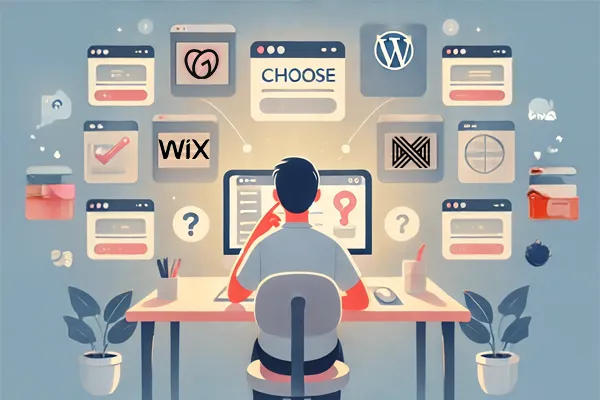
Choosing a Platform—Wix vs WordPress vs GoDaddy vs Custom
Let’s talk platforms.
If you’re planning to build a website, the first big question is:
Where should I build it?
You’ve probably heard of Wix. Maybe WordPress. Probably GoDaddy.
And then there’s the “custom build” route.
Here’s a simple breakdown—because platform overwhelm is real.
Wix: Quick, Visual, and DIY-Friendly
Great for: Beginners who want to build it themselves
Pros: Drag-and-drop editor, simple templates, easy to launch
Cons: Limited flexibility, SEO isn’t great, not ideal for scaling
WordPress: Flexible, Powerful, and a Bit Technical
Great for: Long-term thinkers who want customization
Pros: Huge plugin ecosystem, great for SEO, endlessly adaptable
Cons: Higher learning curve, requires maintenance, plugin conflicts can be frustrating
GoDaddy Website Builder: Familiar but Basic
Great for: Businesses already using GoDaddy for domains/email
Pros: All-in-one setup, basic templates, quick to launch
Cons: Very limited design control, not great for SEO or performance, tough to migrate
Custom Build: Unique, Scalable, and Professional
Great for: Businesses ready to invest in something built to grow
Pros: Tailored to your goals, designed for conversion, scalable backend
Cons: Costs more up front, not DIY-friendly, requires a trusted partner
So, Which Should You Use?
If you’re just testing the waters or have zero budget, Wix or GoDaddy can get you online fast—but expect limitations.
If you want a site that can grow with your business, WordPress or a custom-built site are the better long-term play.
One More Option…
If you’d rather skip the guesswork, avoid beginner mistakes, and launch a site that’s clean, mobile-ready, and built to convert—we can help.
No pressure. Just a free homepage mockup so you can see what’s possible when it’s done right.
👉 Get Your Free Homepage Concept
Tomorrow: We’re talking SEO—what it actually is, why it matters, and how to do it without turning into a full-time blogger.
